Benable Can Help You Get Commissions Without Being An Affiliate
An easier way to monetize.


One of the most common ways for content creators to make a living online is through affiliate marketing. While there are various opinions about it, it is still a legit why to monetize your content when done correctly.
But one of its challenges is finding programs to join that would accept you since some of them have certain requirements to join.
In this Benable review, we will cover what it is, how it can help you get affiliate links, its features, and what it can do for you as a creator.
What is Benable?
Benable is a new US-based platform where you can build Pinterest styled pages and lists to recommend products, places, and services you like.
However, what makes Benable much different is that it is partnered with dozens of brands and when you add a link of one of them it will immediately become an affiliate link.
No need to join their programs one-by-one.
Some of its partnered brands include:
- Amazon
- Temu
- Etsy
- Target
- Ebay
- Walmart
- Best Buy
Depending on the brand you can earn from 2 to 20 percent in commissions and you can find one for almost every niche.
However, the most important part is that people don't need an account to see your lists and that if your list is optimized it can appear on search engines when someone looks for recommendations.
You can also build a following like a regular social media and people can like and share your lists.

Features
Now, let's see what features Benable has prepared to help you not only build those lists but also promote them.

Curated lists
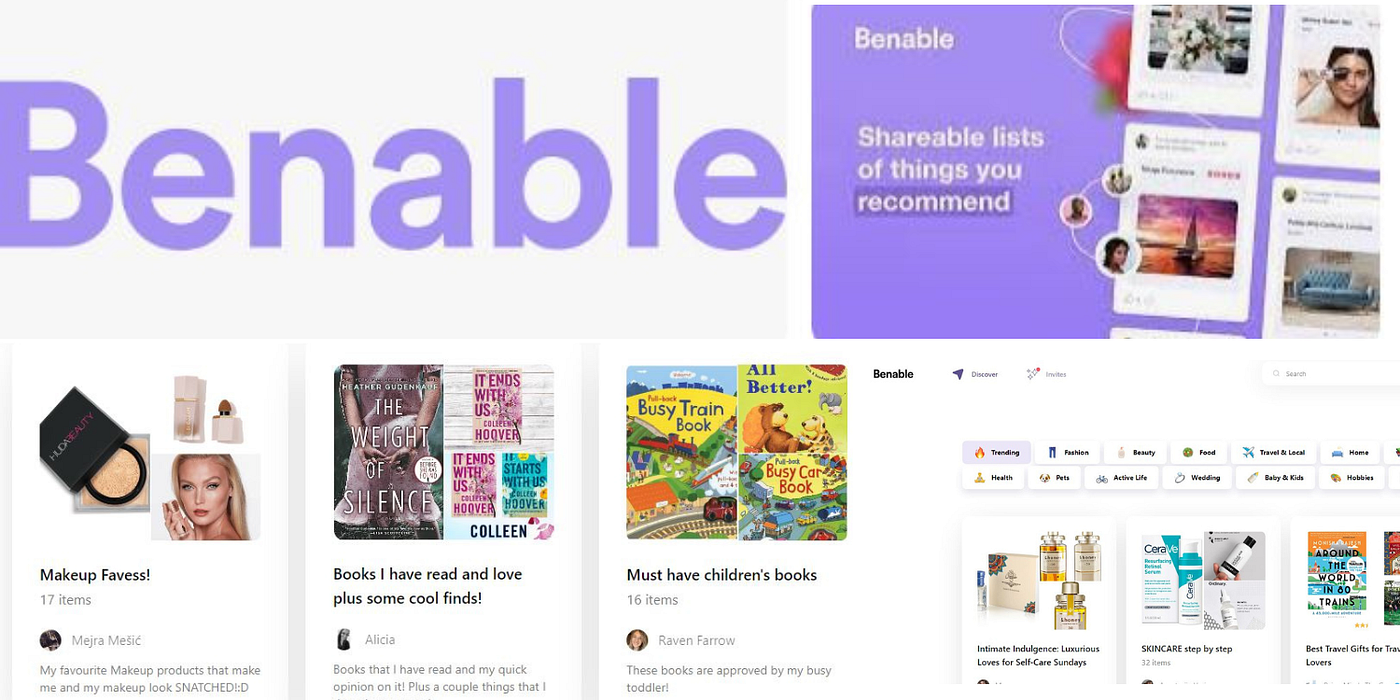
From the moment you create an account you can build your own page and list of curated products. You can give them a title, description, and divide the page into sections for different types of products.
To create a list, you just have to click the + button on your page and give it a title. Then you open it to add a description and the products you want to share with your community.
When adding a product, you literally only need to enter the link. This will open a pop-up where you can select the images it will display, its address (if applicable), its rating (if there is one), and a note.
It's also here when the link you entered becomes an affiliate link.
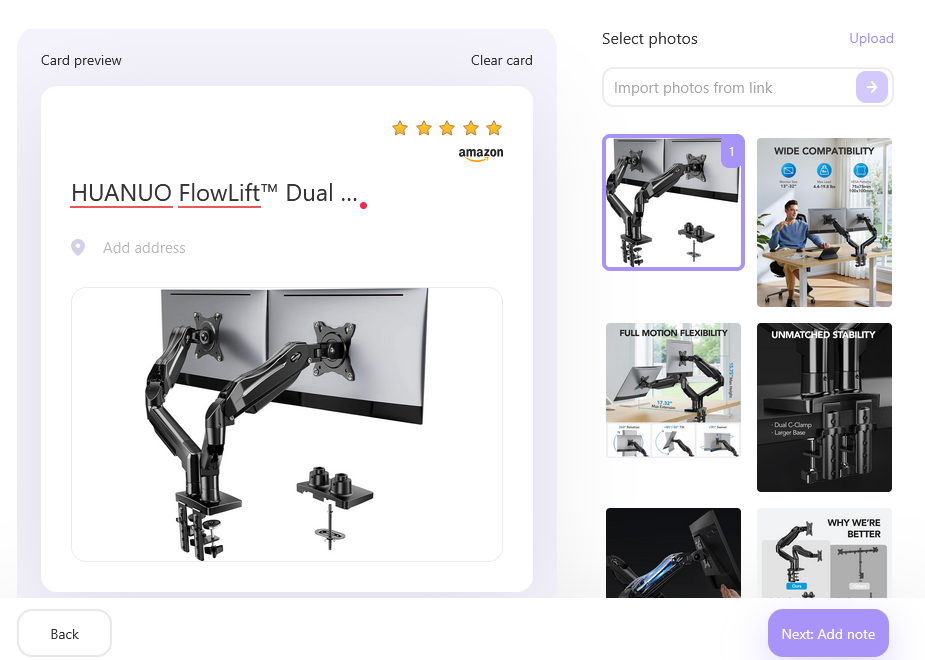
I do recommend editing the titles. Benable pulls them from the product pages and they tend to be cluttered and ugly and Benable prefers clean and helpful titles for people looking for honest recommendations.
Search Engine
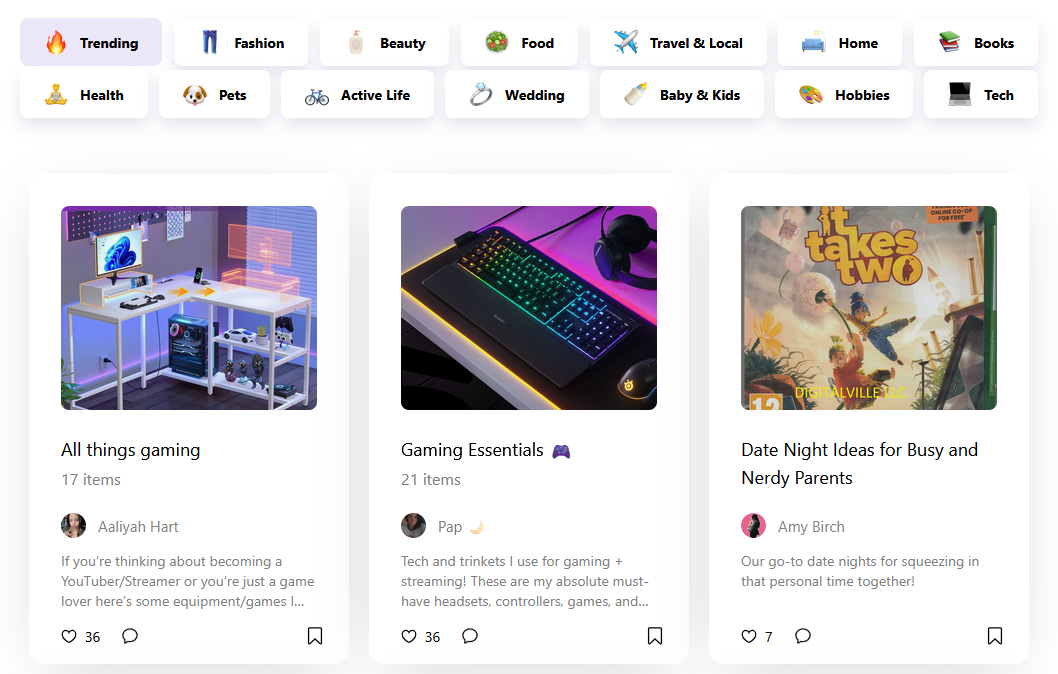
Benable is very similar to Pinterest in the sense that people use it to look for recommendations. However, it also has an in-built algorithm that shares your content depending on what someone is looking for.
This means that if you make a list, it might get recommended to other users.
To improve the chances of that happening Benable has a system that tells you how well optimized your list is, with some of the best ones appearing on search engines like Google.
Users can also bookmark your lists or specific items to build inspiration boards, give a like to show their appreciation, or leave comments right below.
You can also find other creators and follow them to get notified whenever they update their lists.
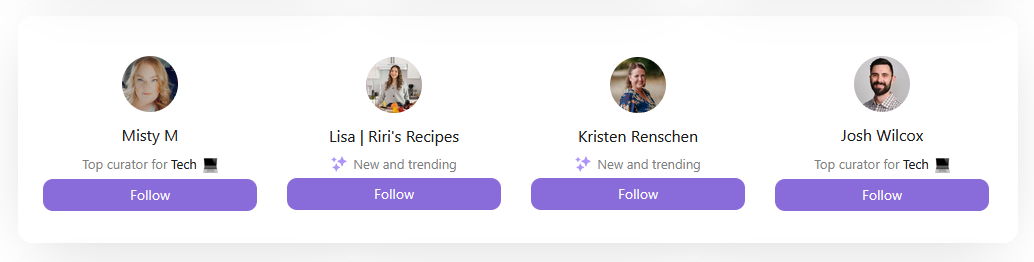
This means that you can build a following on Benable, as if it is another social media platform.
Analytics
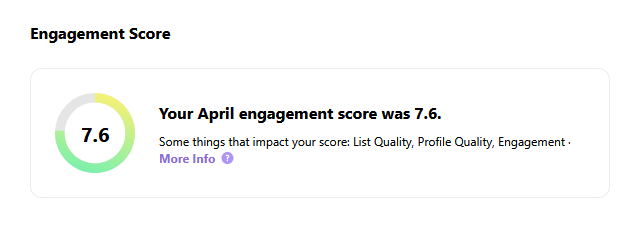
In you Dashboard, you will find the Insight tab.
Here you can see how your lists are performing and gives you an overall score based on their quality and engagement and a highlight of everything that happened during the month.
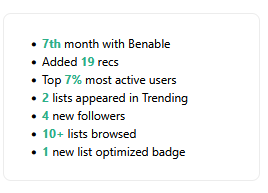
There is also the Tune Up tab that gives you advice on what to improve so your lists are more likely to appear on searches.
Cashback and Brand Partners
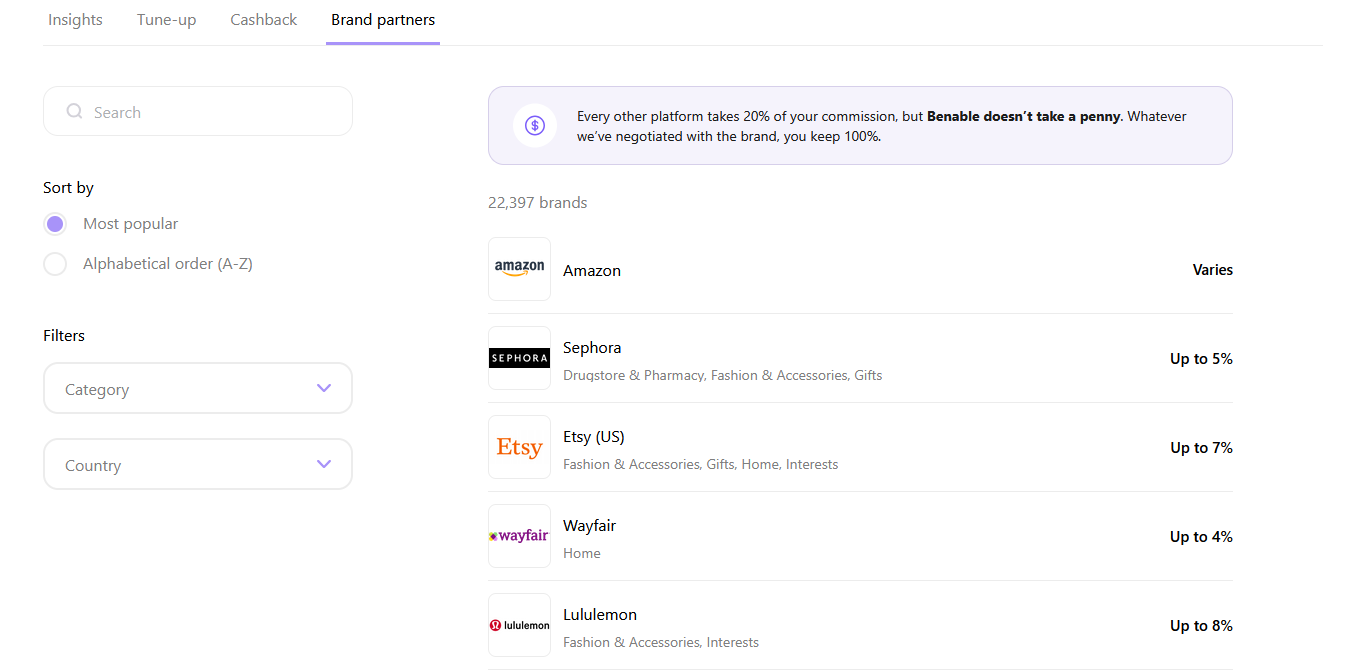
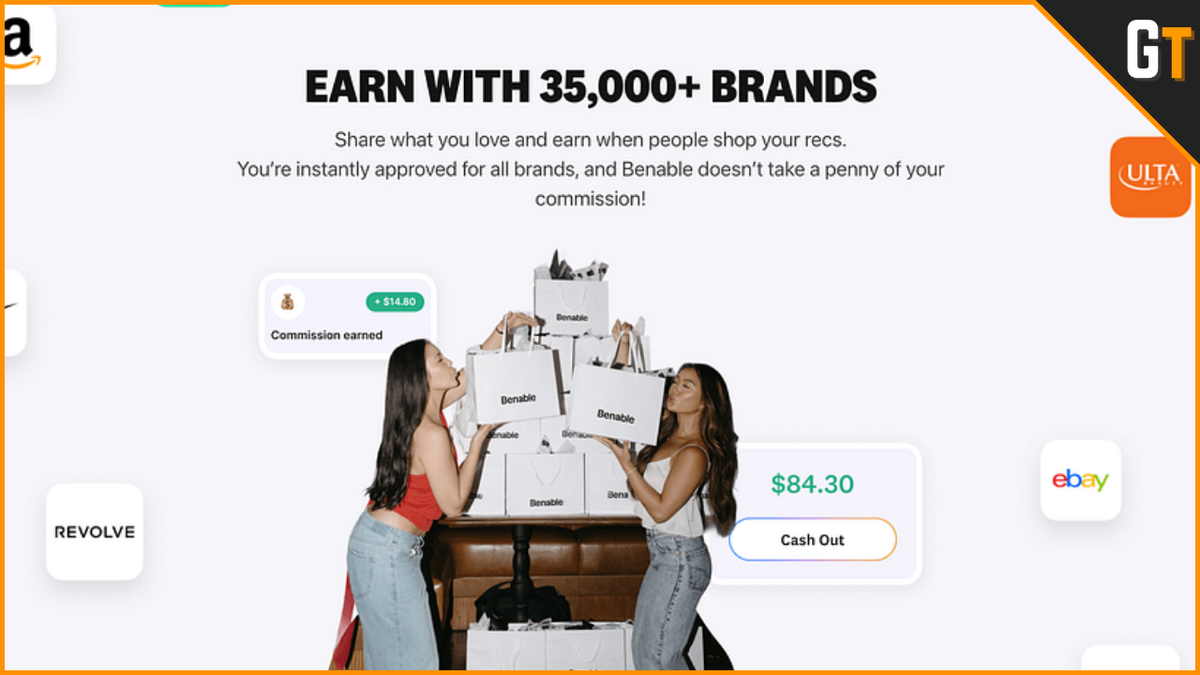
Benable's main selling point is that it is partnered with thousands of businesses and whenever you make a list and add the link of a product or service from one of these brands you will get a commission every time someone buys through it.
You don't have to be an affiliate to all these brands.
Benable will automatically turn your links into affiliate links and earn around 2 or 30% depending on the deal they have with each brand.
To get paid, you head to the Cashback tab in the Dashboard and click the "Request Payout" button. But before you need to activate the cashback feature and select a payment method in your Settings page.
Currently, there are 3:
- Payoneer
- PayPal
- Venmo
Once you do that, you are all set up.
Price
As of the moment I'm writing this, Benable is free. You don't have to pay a subscription to access it and they don't take a cut from commission sales.
You make an account and you are good to start building your lists.
Pros
- It's free and they don't take a cut of your sales
- You find human made recommendations
- You can build a following like on social media
- Works like a link-in-bio tool
- Lists can appear on search engines when properly optimized
- Access to 30,000+ brands to recommend
- You don't need to be an affiliate of their partnered brands to earn commissions
- Very intuitive and easy to use
- They have a mobile app that lets you do everything the website does
- Followers don't need an account to see your lists
Cons
- Still pretty new so it doesn't have many features
- There is a chance many of its users are bots
- Analytics aren't too insightful
- Lists can get repetitive and present the same products
- Limited categories to search for

FAQ
Do I need to apply?
No, Benable is open to everybody regardless of size. If you have something to share, you are welcome to join.
Can I only link products?
Not really.
You can add links to pretty much everything. Products, services, places, if it has a link you can add it. However, you will only earn commissions from partnered brands, so please keep that in mind.
Can I add my own affiliate links?
Yes, you can add your own affiliate links to your lists. You won't get in trouble for it.
How to promote a list on Benable?
Once you have a list ready, Benable will recommend it to people looking for products like those in your list. However, the best way is to create content on other platforms and funnel people to your lists.
How to optimize lists on Benable?
You optimize lists by making them as specific as possible and adding 20+ recommendations.
For example:
If you are a live streamer, you can make a list about the equipment or software you use to create live and off-line content.
How to get followers on Benable?
The best way to get followers on Benable is by creating high quality lists that serve specific people by recommending the kind of products and services they are looking for.
How do I get help?
If you ever need to contact Benable's support team, you can email them at support@benable.com
Does it have a mobile app?
Yes.
Benable does have a mobile app and it lets you do everything the website does. You can get it here.
Does Benable have adds?
No.
As of this moment Benable doesn't run ads on their platform.

Benable Alternatives
If after covering Benable's features, you have determined it is not for you, then this one alternative might be worth looking into.
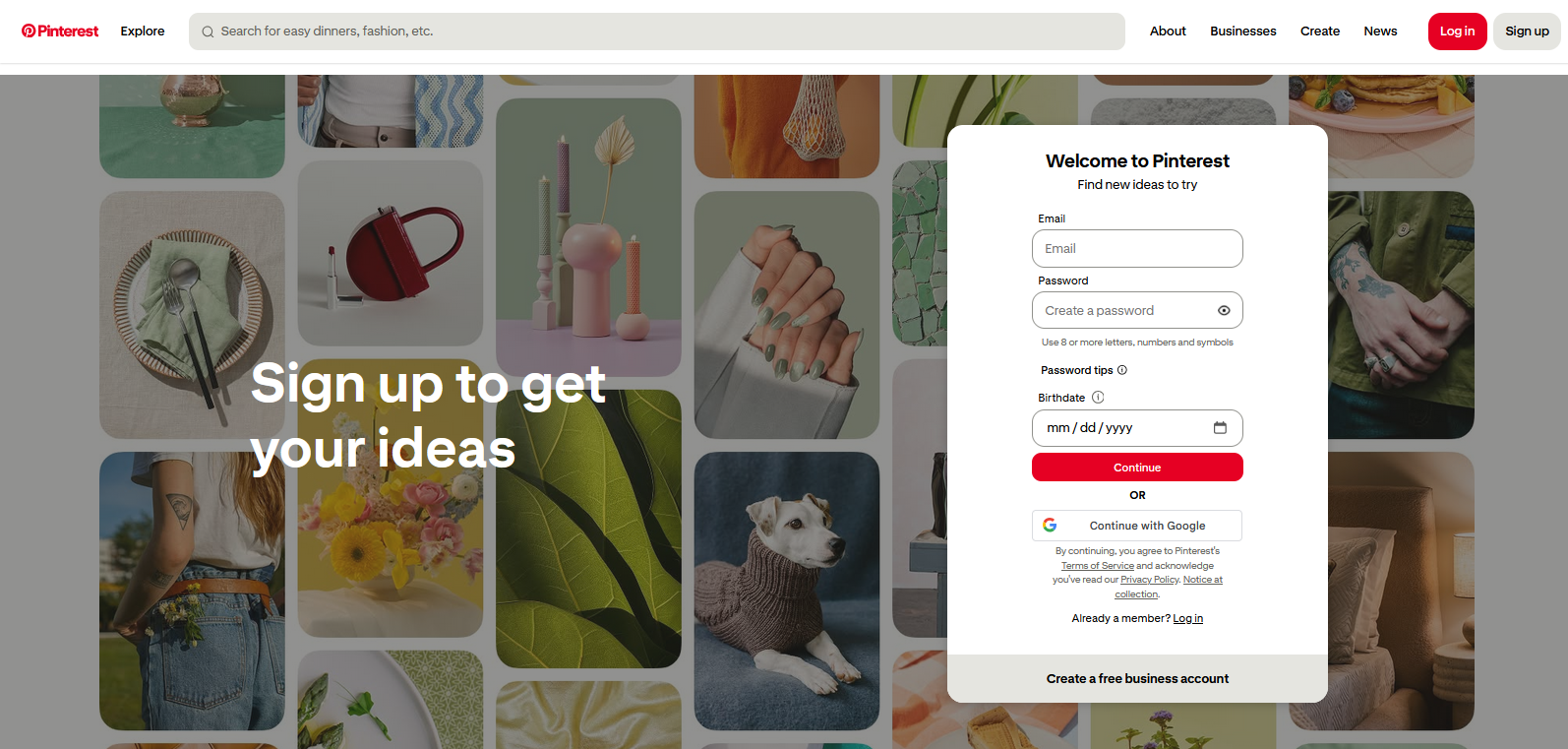
Pinterest is one of the best alternatives because it has many of the same features. You can create lists, build a following, and publish pins that redirect people to different websites and products,
However, they don't have any partnership with brands, have many A.I. generated images, and they have lots of ads.
On the other hand, Pinterest is also the largest visual search engine and has a user base of billions of people so it's still a decent alternative if the downsides aren't much of an issue.
Amazon Influencer Storefront
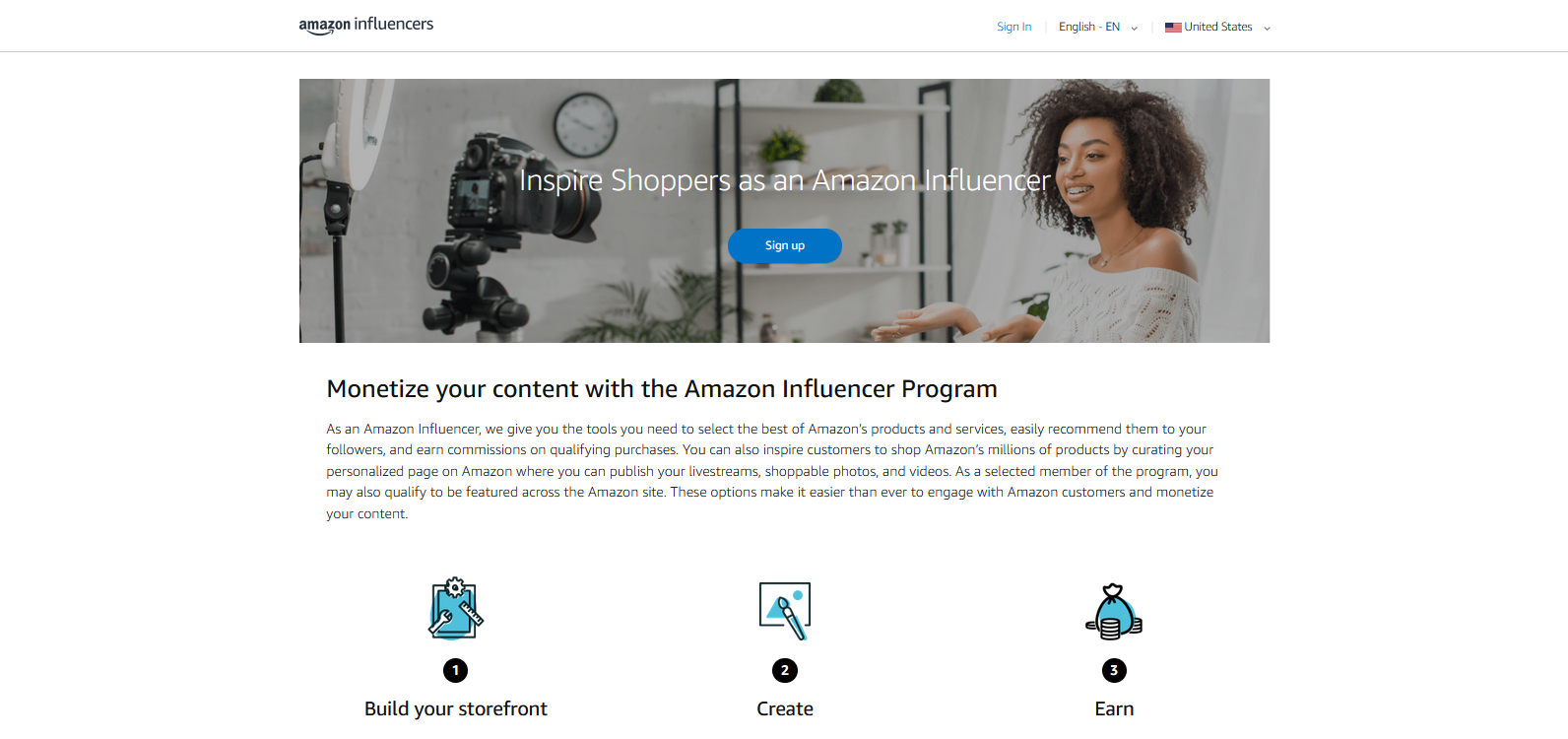
If the majority of the products you recommend are from Amazon, then the Amazon Influencer Storefront is probably the best option because it lets you build your very own store on the platform and you can create and publish content promoting your favorite products.
However, unlike Benable you need to have an established social media following and you have to apply get accepted before you start.
Beacons.ai
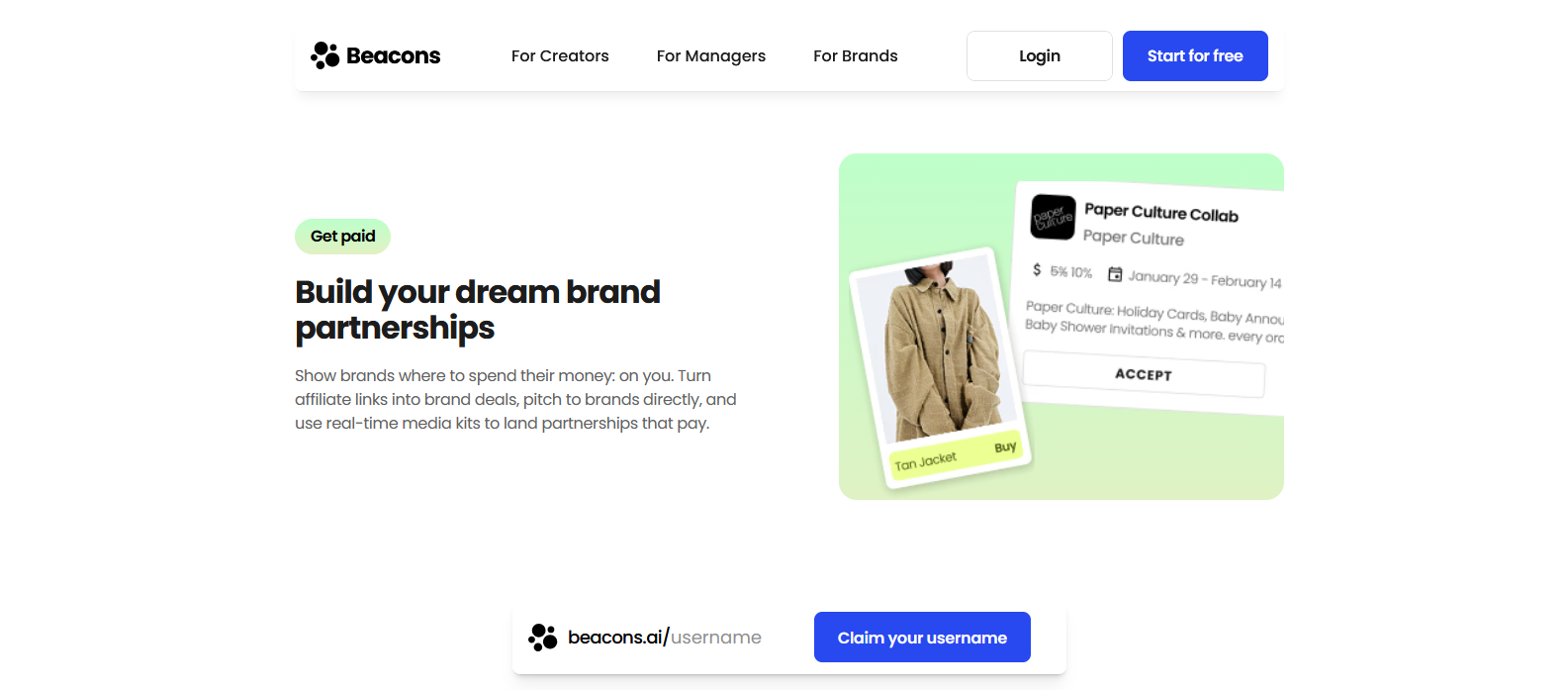
Beacons is a link-in-bio tool that does far more than just creating a link list. It has many features including a recommendation page for users to showcase partnered brands to earn commissions from each sale.
With it, you can build collections and search for brands to promote, but you need to apply to access this feature and a decent following to get accepted.
Final Thoughts
Benable is an interesting new platform that offers a way for creators of all sizes to monetize their recommendations. There aren't that many platforms with similar features, although, there likely are more than the ones mentioned and I might include them on another post in the future.
But while most seemed to require an established following Benable lets anyone big or small to create an account and share lists.
If you are known for creating content centered on product recommendations or you already have a few dedicated fans, then Benable might be worth checking out so you can share your favorite products with your audience.