🧰3 Ways to Find Logos and Art of the Game You Are Covering
Number 3 is my favorite for logos

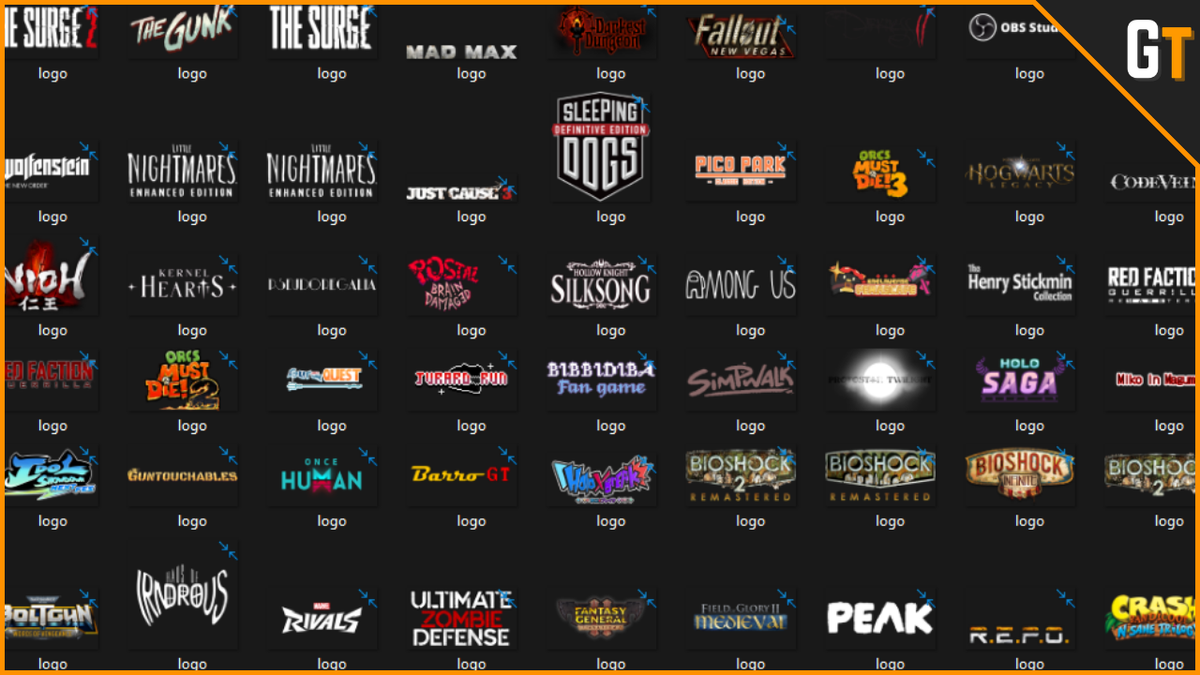

As a gaming content creator one of the things I struggled with (and I sometimes still do) is finding branding materials like art and logos of the games I cover to use on videos or thumbnails.
You might think that a simple Google search would be enough to solve that and you would be correct most of the time.
However, how do you know if you can use those images on your content?
If the devs published the art, then you most likely can. But what if you accidentally use fan art someone from the community published? Then you might violate this person's copyright.
To avoid those kinds of issues, I'll share a few ways you can find art and branding elements of a game you want to cover on your blog or YouTube channel.

🎮Method 1: From the official store page
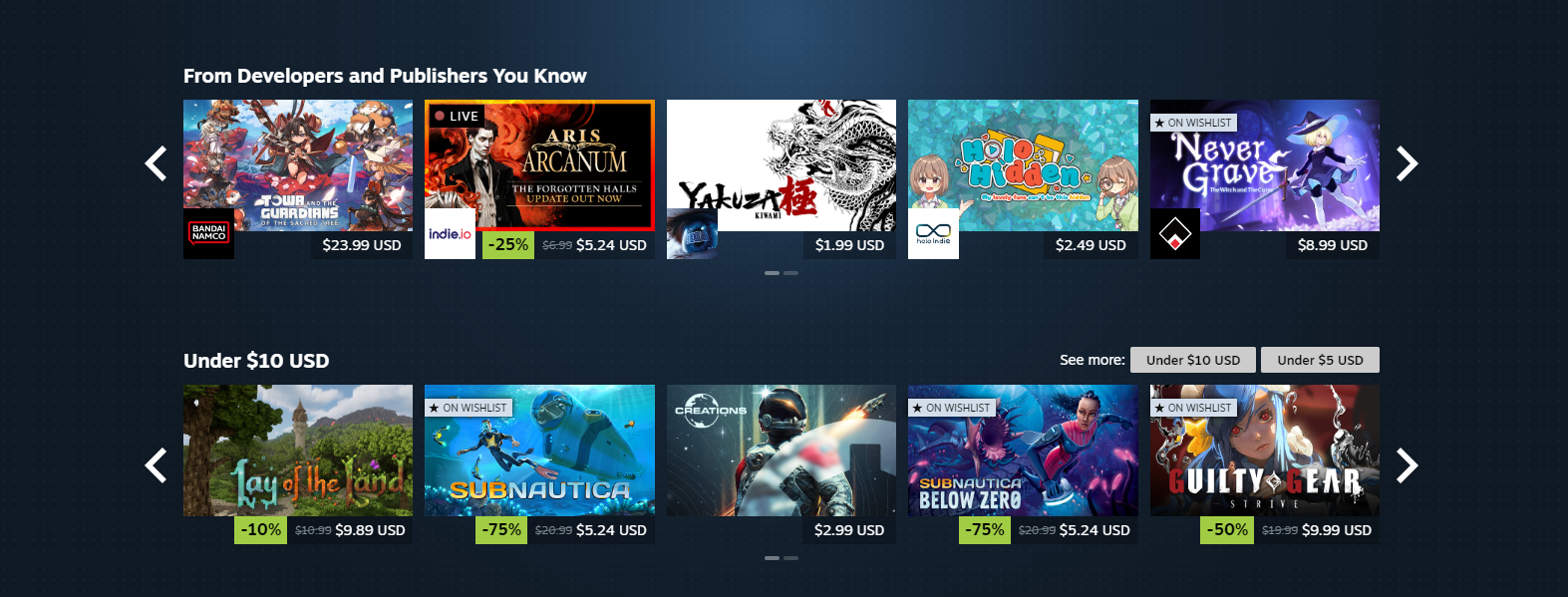
The first place you can get this type official art, screenshots, and logos is the game's store page, preferably on Steam. If you click on a game it will take you to its page and there you will see a few screenshots you can grab.
Once you are on the game's store page, I also recommend checking the Read Related News and Update History tab. You can find it by scrolling a bit.
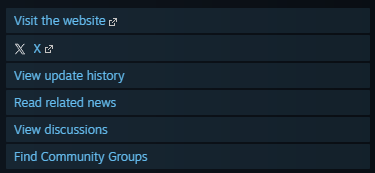
Here you can sometimes find official art the devs share with their players and community. You won't always find it, but I recommend checking them out now and then.

📰Method 2: From a press kit
Most game developers and some publishers will create a press kit for content creators and media outlets to get all the branding resources they might need for their coverage.
This means logos, screenshots, clips, trailers, etc.
To find them you can just search on your browser for "Game name press kit" or go the website of the devs and look for a "Press kit" page. That's usually enough.
If that doesn't work, I recommend checking these two websites:
- SteamGridDB – This is a page with custom video game assets created by the community and that you can freely download. Expect to find logos, grids, banners, and other types of branding and art.
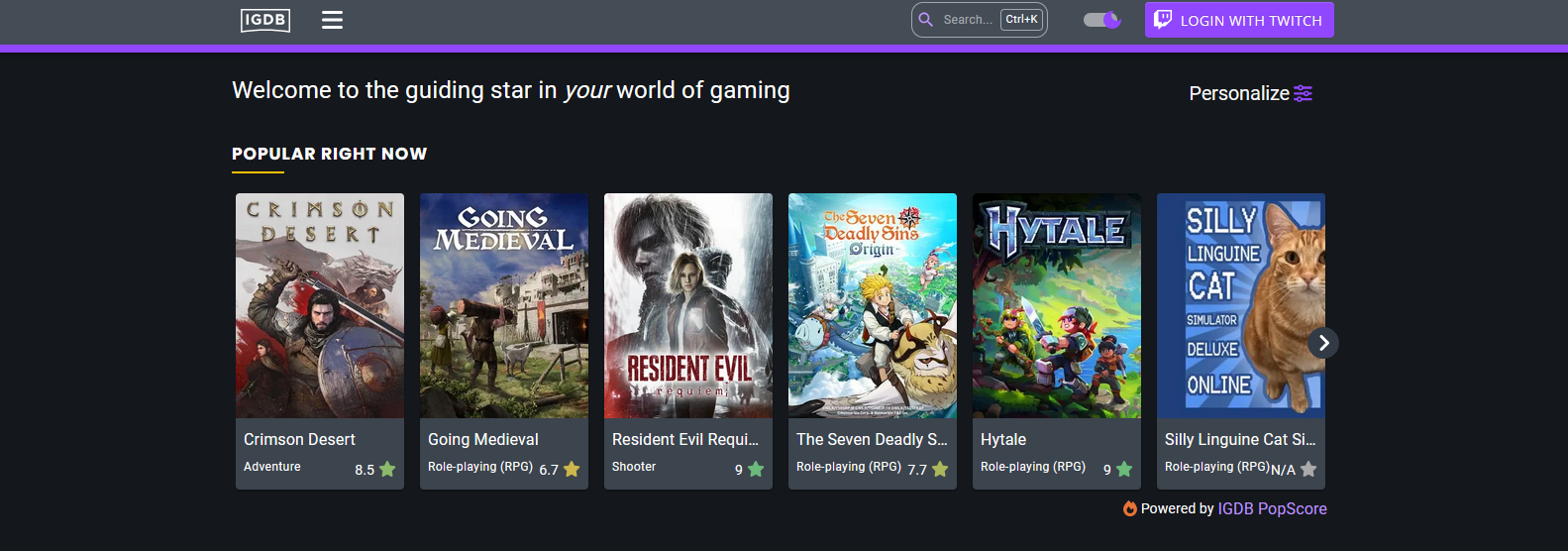
- IGDB – This is a huge gaming database operated by Twitch Interactive which is dedicated to collect and share as many details about games as possible. Here you will find reviews, general information, and a press kit button for every game.
Both pages are really helpful. I personally use IGDB all the time and it tends to give me what I am looking for.
💻Method 3: From your PC
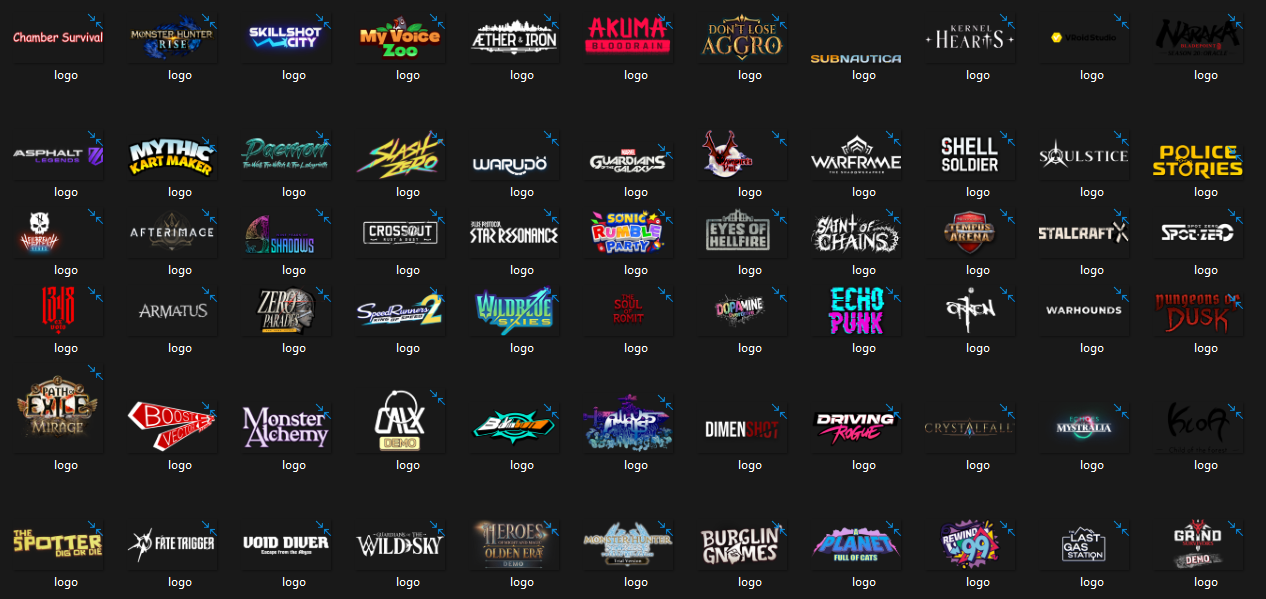
I learned this trick on Twitter (X) from @koganeritsu and it's been really helpful. What you do is basically accessing Steams files for things like logos, banners, and art.
You do this by following these steps:
- Go to "C:\Program Files (x86)"
- Then head over to "\Steam"
- Click on "\appcache"
- And then go to "\librarycache"
- Once there search for ".png"
This will show you all the logos and PNG files of your Steam library.
However, I do have to be honest there are some logos of games I've never added to my library (like Burglin Gnomes for example) so I'm not exactly sure how this method is supposed to work, but it has given me most of the logos of the games I've covered.
💭Final Thoughts
All these methods will give you some branding and material you can use on your content, so it's up to you which one to use. You can also just take a screenshot of your own gameplay.
That works well too.
But if you are looking for logos and art, then all the three methods mentioned before should give you what you are looking for.
If you know about any other methods, please share it in the comments below.
![🔎[SHOWCASE] Become a Super Soldier and Fight for Your Freedom in This Indie Shooter](https://storage.ghost.io/c/af/32/af32e413-bf58-4423-8697-11988410757d/content/images/size/w600/2026/04/-----SHOWCASE--Become-a-Super-Human-Soldier-and-Fight-for-Your-Freedom-in-This-Indie-Shooter.png)
![🔎[SHOWCASE] Be Ready for a Crazy Adventure With This Indie 3D Metroidvania](https://storage.ghost.io/c/af/32/af32e413-bf58-4423-8697-11988410757d/content/images/size/w600/2026/04/-----SHOWCASE--Be-Ready-for-a-Crazy-Adventure-With-This-Indie-3D-Metroidvania-1.png)
![🔎[SHOWCASE] Study Monsters and Transport Cursed Cargo in This Indie Horror Game](https://storage.ghost.io/c/af/32/af32e413-bf58-4423-8697-11988410757d/content/images/size/w600/2026/03/-----SHOWCASE--Study-Monsters-and-Transport-Cursed-Cargo-in-This-Indie-Horror-Game.png)